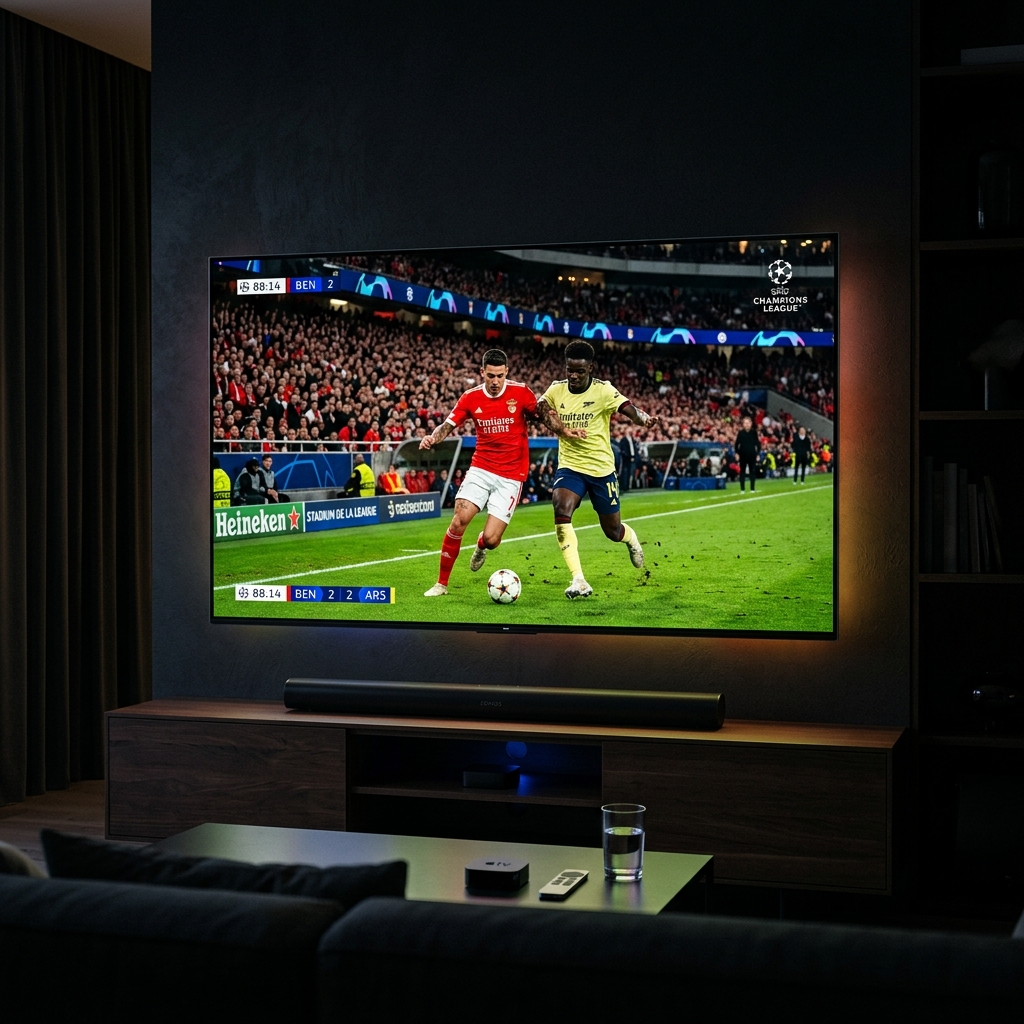
There is nothing more universally infuriating than inviting your friends over for the biggest game of the season, only to watch your screen freeze completely right as a pivotal play unfolds. The devastating reality for many cord-cutters is that live sports place immense strain on both streaming servers and home internet networks. A standard setup might play VOD movies flawlessly, but immediately buckle under the weight of concurrent live event viewership. However, by selecting a top IPTV subscription service and heavily optimizing your local network hardware, you can achieve brilliant, 60-Frames-Per-Second (FPS) 4K sports streaming that actually outperforms standard broadcast cable. At Zyminex, we prioritize sports reliability above all else. In this guide, we reveal our most closely guarded tips to ensure your UFC, NFL, NBA, and Premier League streams operate without a single micro-stutter throughout the entire 2026 season.
1. Understand The Frame Rate Difference (50FPS/60FPS vs 30FPS)
When viewing movies, 24 to 30 frames per second is standard and feels highly natural. However, live sports are characterized by extremely rapid camera panning and fast-moving objects. If you are watching hockey or football at 30 FPS, the puck or ball will look like a blurry trailing comet.
You must ensure your provider explicitly features dedicated "50FPS" or "60FPS" sports categories. This higher frame density is what achieves the ultra-smooth, lifelike quality that mimics being in the stadium. Top-tier providers categorize their streams (e.g., Sky Sports Main event FHD 50FPS) so you know precisely what quality you are clicking on.
2. Hardwire Your Connection (Ditch the Wi-Fi)
This is the single most important hardware change any sports fan can make. We cannot stress this enough: Wi-Fi is inherently unstable. Even heavily advanced Wi-Fi 6 routers are vulnerable to severe packet loss induced by walls, microwaves, and congested neighborhood frequencies.
Live TV—unlike Netflix which pre-buffers minutes of footage—requires constant real-time packet delivery. A single hiccup in your Wi-Fi signal results in the video freezing on your TV. Run a direct Ethernet cable from your router into your streaming box (Nvidia Shield, Apple TV, or the official Ethernet adapter for Firestick). This physical connection will eliminate 90% of user-side buffering issues instantly.
3. The Multi-View Secret (TiviMate App)
If your Sunday involves tracking massive NFL slates or overlapping European soccer games, then you must utilize the "Multi-View" feature. By linking your Zyminex subscription into the premium version of the "TiviMate" Android application, you can actively watch up to four live events simultaneously on a single screen grid.
Note: Processing four HD streams at once requires substantial hardware power natively. A high-end device like the Nvidia Shield Pro is strongly recommended over a basic entry-level Firestick for grid viewing.
4. Bypass ISP Throttling During Major Events
Have you ever noticed that your stream works perfectly on Tuesday morning, but instantly begins violently buffering right as a major UFC Pay-Per-View main event begins on Saturday night?
This is almost certainly caused by your Internet Service Provider (ISP). Major ISPs deliberately monitor high bandwidth usage and actively "throttle" (slow down) connections hitting specific streaming server IPs during peak events to conserve network bandwidth. Using a trusted, premium VPN (Virtual Private Network) fully encrypts your data. When your ISP cannot read what you are downloading, they cannot legally throttle it, returning your connection to maximum speed.
5. Trust Only Premium Server Architectures
Ultimately, all the Ethernet cables in the world cannot repair a stream coming from a cheap, overloaded server. The backbone of lag-free sports is the provider's native backend infrastructure. You must utilize a service implementing dynamic load-balancing to reroute traffic automatically before a server crashes.
We highly encourage you to never miss an important game again. To verify the unbelievable quality of our global sports feeds, we explicitly let users try IPTV free trial links exactly during peak sports hours. You can directly view all sports channels available in your region. If you are thoroughly impressed by the 60FPS fluid quality, get your sports IPTV plan secured for the remainder of the season.
Frequently Asked Questions
Why does my sports channel lag but movies don't?
Live channels rely on real-time data transfer. Movies are pre-rendered files that your device can cache ahead of time, masking brief internet drops.
Are pay-per-view events included in standard plans?
Yes, premium providers like Zyminex typically include all major global PPV events in high definition at absolutely no additional cost.
Does changing the player settings help with buffering?
Sometimes. Increasing the 'Buffer Size' in apps like Smarters or TiviMate from 0 seconds to 3-5 seconds forces the app to hold more video before playing, which smooths out small stutters.
What internet speed is needed for 60FPS sports?
A highly stable 30 Mbps minimum is recommended for uncompressed high-framerate streams to ensure sufficient bandwidth overhead.
Is there a delay compared to cable TV?
Yes, due to IP encoding, there is usually a 30 to 45-second latency delay behind live action. Be careful viewing live score apps while watching intense matches!
Written by the Zyminex Editorial Team
Our sports networking experts ensuring you get exactly the 60FPS quality you deserve.