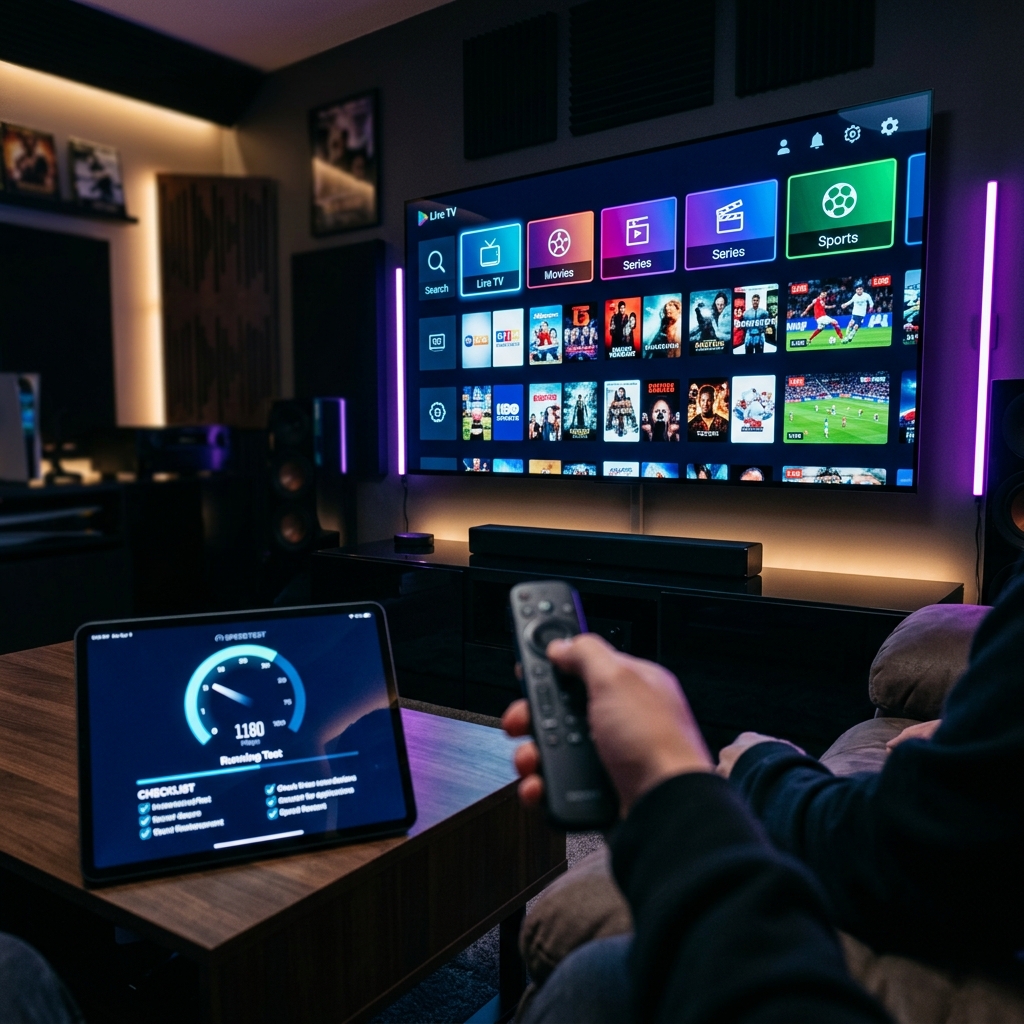
⚡ Quick Takeaway
A 24-hour IPTV trial is useless if you don't know what to look for. Before purchasing any premium subscription in 2026, you must systematically test peak-hour stability, VOD library loading times, and live sports anti-freeze capabilities. Ready to test a true premium service? Claim your Zyminex free trial here.
The biggest mistake cord-cutters make isn't choosing the wrong provider—it's wasting their IPTV free trial watching random channels instead of conducting a deliberate stress test.
In 2026, the market is flooded with massive channel lists that look identical on paper. But when the big game starts, 90% of them collapse. If you are about to start a 24-hour IPTV trial, you need a strategy. We have developed the ultimate testing checklist to help you separate the best premium IPTV providers from the cheap scams before you commit your hard-earned money.
The Ultimate 24-Hour Trial Checklist
Do not casually surf. Treat this trial like a performance audit.
1. The "Peak Hour" Stress Test
When to test: Friday or Saturday between 7 PM and 10 PM.
Why it matters: Shady providers oversell their server capacity. A service might run flawlessly on a Tuesday morning but buffer endlessly on a Friday night.
Action: Load the most popular entertainment channels during prime time. Switch rapidly between 5-10 high-definition channels. The connection should resolve within 2 seconds. If you see swirling loading wheels in the evening, avoid this IPTV service completely.
2. Live Sports Framerate Verification
What to test: Live football, basketball, or racing events.
Why it matters: Standard channels run at 25-30 frames per second (FPS), which feels fine for the news. Sports require 50-60 FPS. If you try to watch live sports on IPTV at low framerates, the motion blur will cause headaches.
Action: Find a live sports event with fast camera panning. Look for the "50FPS" or "60FPS" tag on the channel name. Additionally, observe if the provider utilizes anti-freeze capabilities during live broadcasts.
3. VOD (Video on Demand) Integrity Check
What to test: 4K movies and TV series libraries.
Why it matters: Many providers boast "100,000+ Movies," but 80% are dead links, standard definition, or lack proper subtitles.
Action: Select a massive 4K movie file (usually 15GB+). Fast-forward immediately to the middle of the movie. A premium server will resume playback in under 3 seconds. Also, verify that multi-language subtitles and audio tracks actually exist and sync correctly.
4. The App Compatibility Audit
What to test: EPG (Electronic Program Guide) and Catch-up TV.
Why it matters: The best subscription is ruined by a terrible app experience. You need to ensure the XTREAM Codes or M3U link syncs perfectly with your preferred player.
Action: Load the trial into your player (we recommend reading our best IPTV apps for Android guide). Verify that the TV guide (EPG) populates fully. Find a channel that supports "Catch-up" and try playing a show that aired yesterday.
Warning Signs: How to Avoid IPTV Scams
While running your tests, be hyper-aware of these massive red flags that indicate an unstable service or outright scam:
- Required VPN Upsells: If they tell you that you *must* buy a specific VPN for the service to work, it's a scam. Reputable services like Zyminex bypass ISP crackdowns using native routing.
- No Trial Available: Avoid providers offering "paid-only" trials (e.g., €2 for 24 hours). Premium providers let their quality speak for itself for free.
- Automated WhatsApp Support Bots: If you report a broken channel during the trial and don't get a human response within a few hours, imagine the support you'll get *after* you pay for a year.
Frequently Asked Questions About IPTV Testing
Is a 24-hour IPTV trial long enough to test?
Yes, absolutely. 24 hours is more than enough time to test peak evening hours, load heavy 4K VOD content, and verify live channel stability before purchasing.
Why are some channels missing during the free trial?
Many premium providers restrict explicit content (adult channels) during automated free trials to comply with payment gateway regulations. Full access is granted upon subscription.
Do I need a credit card for an IPTV free trial?
You should never provide credit card details for a free trial. At Zyminex, our trial is 100% risk-free. If a provider asks for billing info upfront, it's likely a trap.
What internet speed is required for a smooth test?
For a valid test of 4K content and 60FPS sports, ensure your connection (preferably hardwired via Ethernet) consistently pulls at least 50 Mbps down.
👉 Related Topics You Should Explore
Written by the Zyminex Research Team
We analyze server infrastructure and streaming quality to bring you transparent, high-performance entertainment solutions.
Ready to Put Our Service to the Test?
Claim your 24-hour, no-commitment free trial of Zyminex and experience true 4K zero-buffering technology.